Belken Studio · short-form ads in your browser

Paste a script. Pick your avatar. Hit one button.

Belken Studio turns a script into a short-form video with your avatar talking and captions burned in, ready to post. No camera, no editing timeline, no render farm to learn. It runs in your browser.

// Create an account and start. The person on screen is an AI avatar.
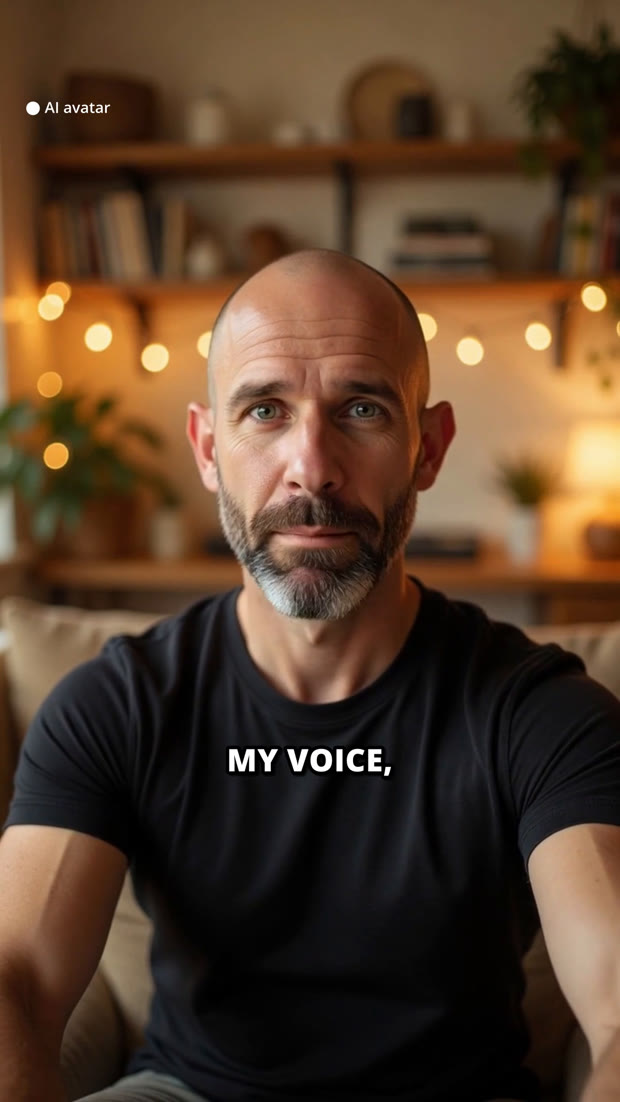
A finished vertical ad frame: an AI avatar presenter mid-sentence, labeled AI avatar, with the caption MY VOICE burned in

// The whole flow

Script to posted ad, in one sitting.

This is the real Studio flow, start to finish. You write the words, Studio does the shoot, the edit, and the captions.

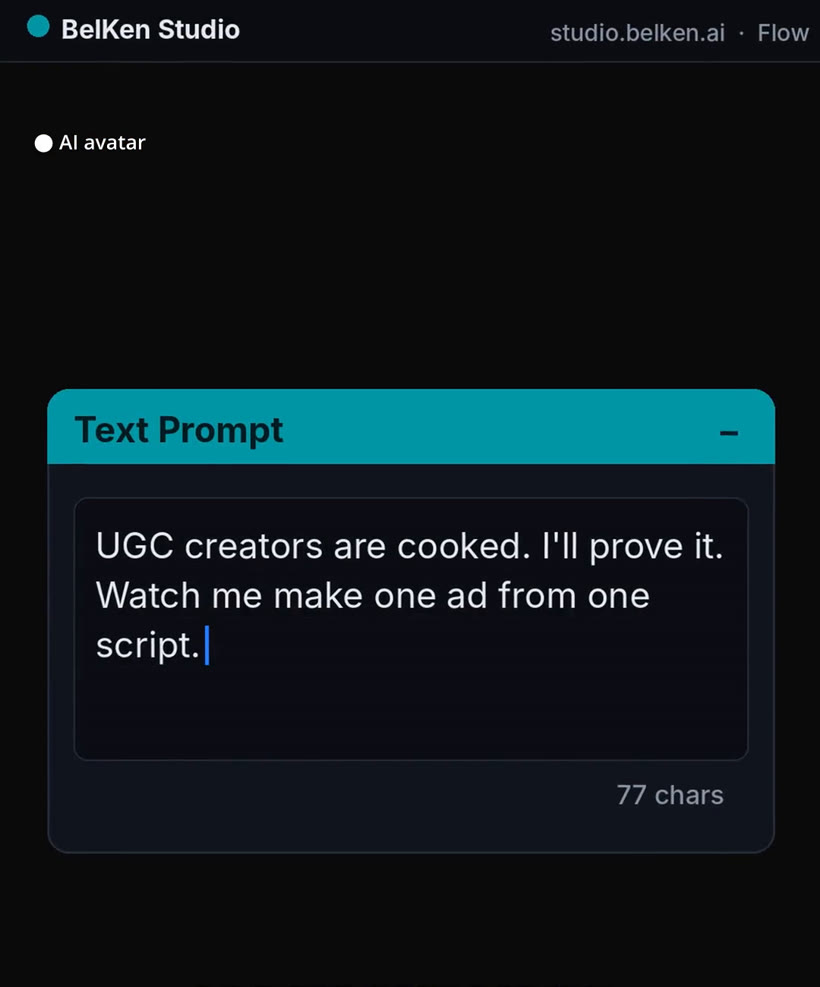
Studio text prompt card with a script pasted in
01 · Paste

Paste your script

Drop in the words you want said. A hook, a product line, a founder note. Whatever you would say to camera.

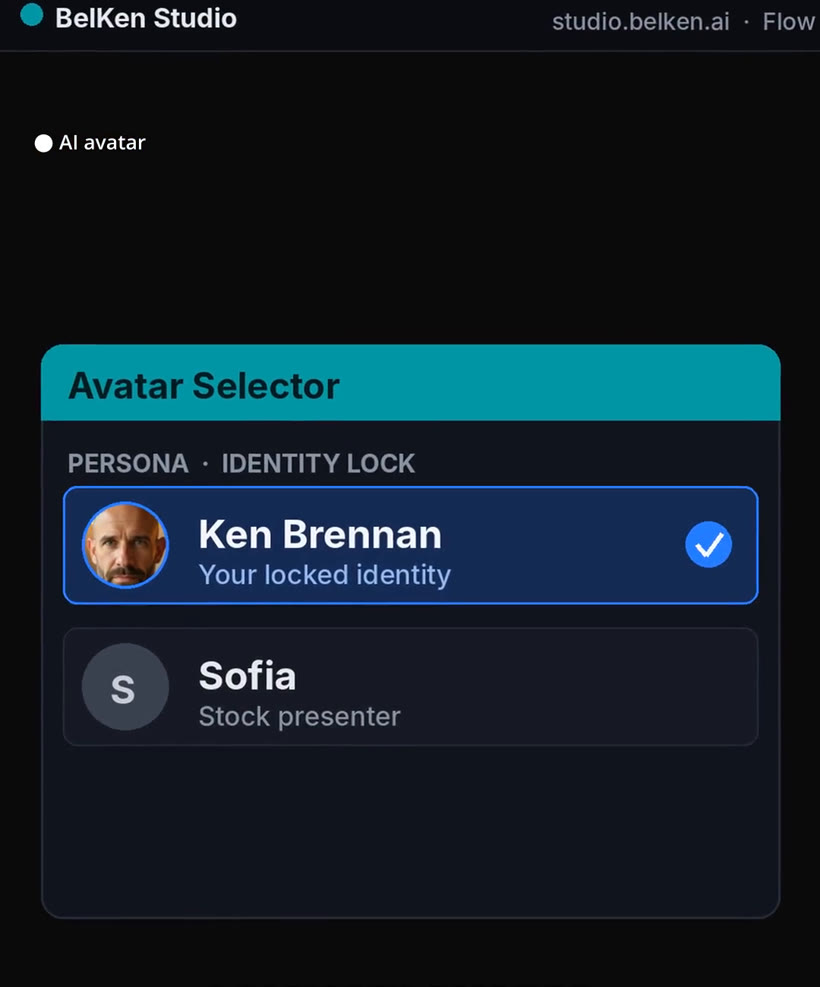
Studio avatar selector showing a locked identity avatar and a stock presenter
02 · Pick

Pick your avatar

Choose the face that delivers it. Use your own locked avatar or a stock presenter. The look stays the same across every video.

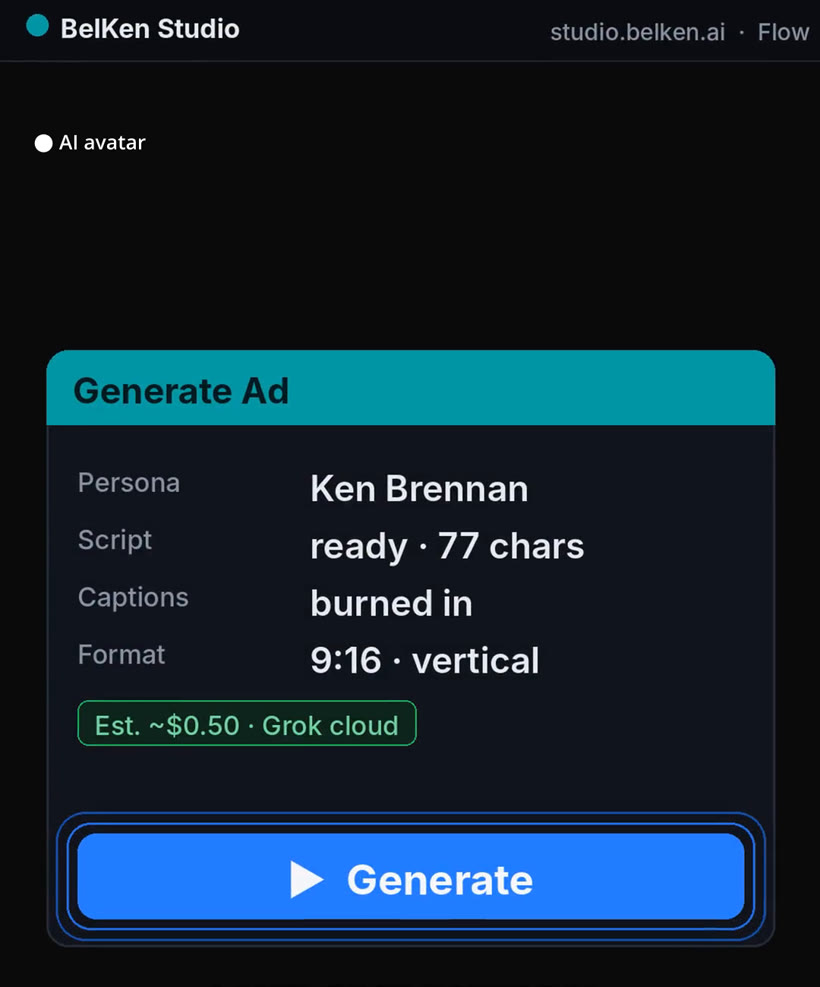
Studio generate card showing persona, script ready, captions burned in, and a Generate button
03 · Generate

Hit one button

Pick the format, confirm captions are on, and press Generate. Studio renders the talking avatar and burns the captions in.

A finished vertical ad frame with an AI avatar and a burned-in caption
04 · Post

Get a ready ad

Out comes a vertical video with captions already on screen. Download it, or connect an account and post it to YouTube or TikTok.

// What you get

No camera. No timeline. No render farm.

// Same face, every time

One avatar that carries the whole feed.

The hardest part of posting every day is being on camera every day. Studio keeps one avatar locked, so every video you make looks like the same person showed up and shot it. You just change the script.

  • Write once, generate as many videos as you need.
  • No reshoots when you change a line. Edit the script and run it again.
  • The person on screen is an AI avatar, labeled on the video.
Studio avatar selector with a locked identity avatar chosen

// Posting to TikTok

Connect your TikTok account and post from Studio.

Belken Studio makes short-form video, whether you generate it from a script with an avatar or turn your own long footage into clips, and it can publish the videos you make straight to your own TikTok account. Here is exactly how that connection works.

Make your first one.

Create an account and start in Studio. Paste a script, pick an avatar, and see your first ad come out the other side.

// The person on screen is an AI avatar.
// Questions

Straight answers.

Do I need a camera or any editing software?
No. Studio runs in your web browser. You paste a script, pick an avatar, and hit Generate. There is no camera to set up and no editing timeline to learn.
Is the person on screen real?
No. The presenter is an AI avatar, and the video is labeled as made with an AI avatar. You choose which avatar delivers your script, and it stays the same across your videos.
Can I post straight to TikTok or YouTube?
Yes. You can download the finished video, or connect a YouTube or TikTok account and publish from Studio. The connection is used to post for you, nothing more.
Are the captions automatic?
Yes. Captions are burned into the video from your script, so it reads clearly with the sound off, which is how most short-form gets watched.
How do I get started?
Create an account at studio.belken.ai and start. Paste a script, pick an avatar, and generate your first video.